Assistant
Set a monthly cap for a knowledge base
Your plan's answers are shared by every knowledge base in your account. A cap stops one of them using more than its share.
Three steps
Open Spending cap
Choose Assistant in the sidebar and scroll to Spending cap.
Set the cap
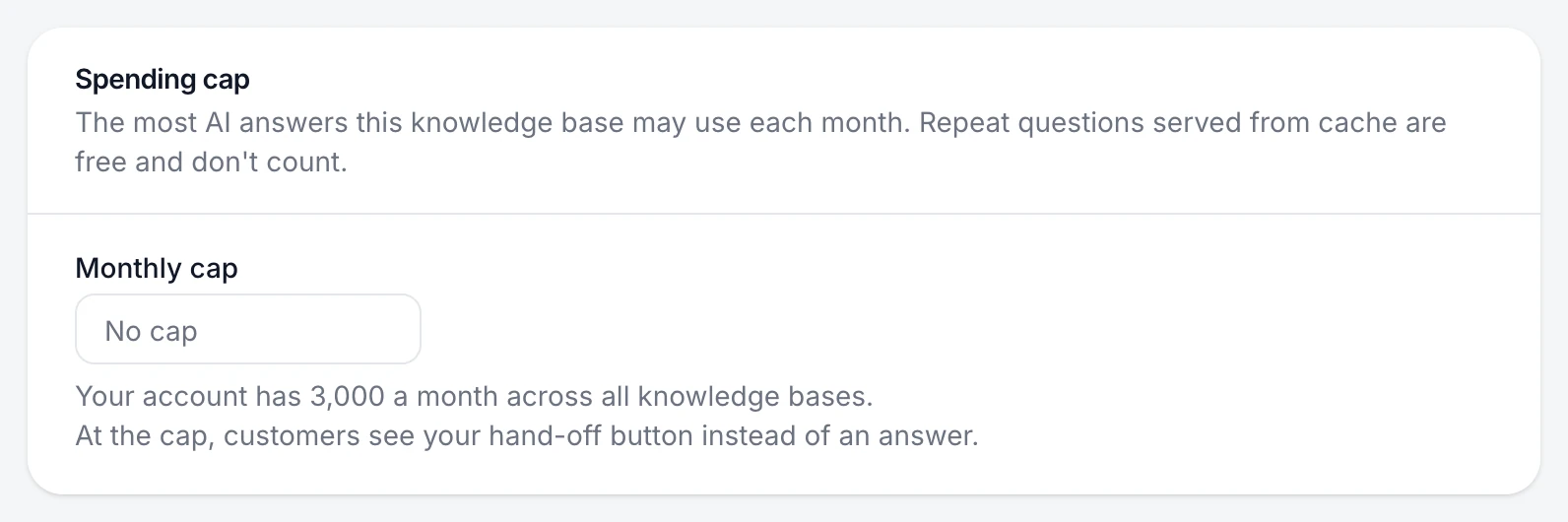
Enter the Monthly cap: the most AI answers this knowledge base may use each month. The hint shows how many your account has in total. Leave it empty for no cap.
Save
Choose Save changes.
You're done when
The cap shows on the page. The count resets at the start of each month.
If something's not right
What do customers see at the cap?
Your hand-off button instead of an answer, so they still have a next step. Hand off to your support team sets it up.
Do cached answers count towards the cap?
No. Repeat questions served from cache are free and don't count.
Was this helpful?