Ask your first question in the playground
The playground is your private test bench. It answers exactly as your help center and widget will, from the same sources, so you can check answers before customers see them.
Before you start
- At least one source in your knowledge base shows Ready.
Four steps
Open the playground
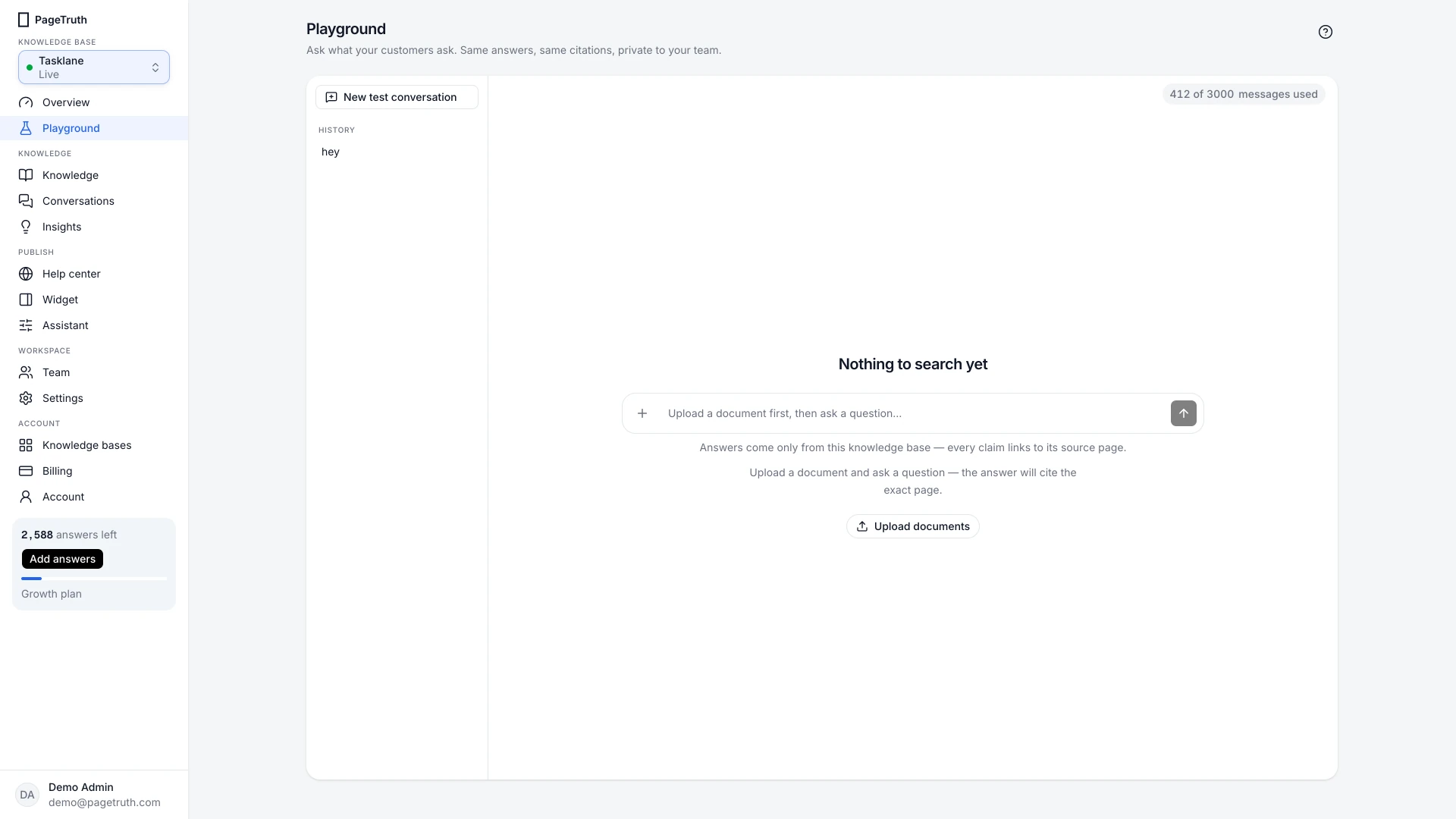
Choose Playground in the sidebar. Your earlier test conversations are listed under History; choose New test conversation to start fresh.
Ask what a customer would ask
Type a question the way a customer would write it, for example "How do I invite a client?", and press Enter.
Check the answer and its sources
Each claim in the answer carries a number. Choose a number, or a source card under the answer, to see the passage it came from and the page it's on.
Rate it, or try again
Use Good response or Bad response (the thumbs under the answer) to rate it. To get a fresh answer to the same question, choose Try again.
You've seen an answer that cites the right page. If an answer is wrong or missing, fix the source and ask again.
If something's not right
It says there's nothing to search yet
Your sources are still processing, or none could be read. Open Knowledge and wait until at least one shows Ready; if one shows Failed, see Why a source failed.
The answer says it couldn't find that in the docs
That's PageTruth refusing to guess. Add the missing information as a source or an article, then ask again.
Do playground questions count towards my answers?
Yes. A question answered in the playground uses an AI answer from your monthly allowance, like any other channel. How answers are counted explains what's free.